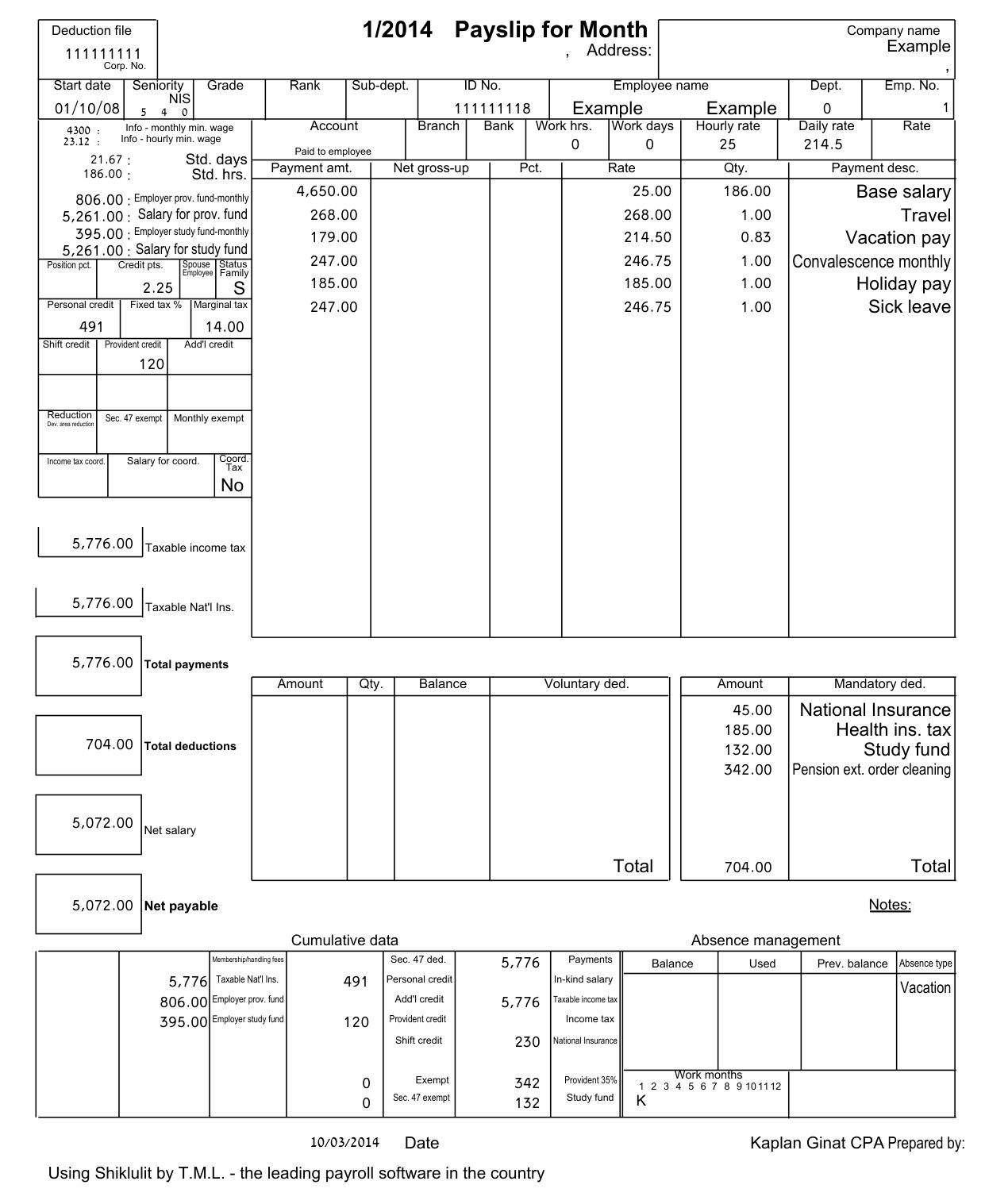
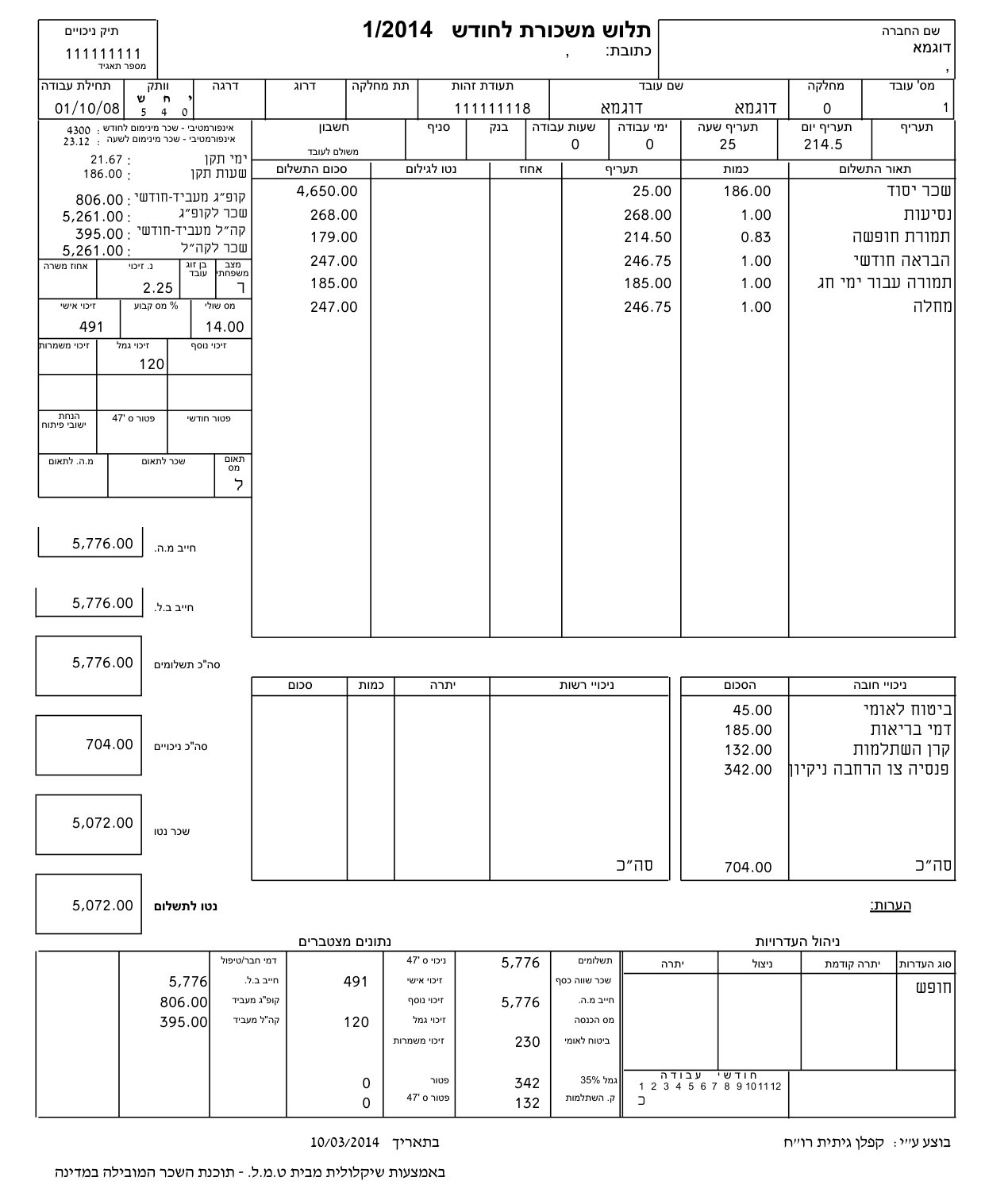
Will the numbers be exactly the same?
Yes. Amounts, dates and IDs are kept from your file, not retyped. After translating we compare every number on the page with the original; if one changed, that line stays untranslated and we tell you.
Does it work on scans and phone photos?
Yes. The page is read as an image, so a scanned letter works the same as a digital PDF. Blacked-out parts stay blacked out.
Can I turn a PDF into an editable Word (DOCX) file?
Yes, with the PDF to Word (DOCX) tool. You get a .docx that looks like your page: same page size, with logos, stamps, lines and tables kept as the page background, and every line of text as real Word text in its place. Hebrew and Arabic stay right-to-left. Scans are read by AI, so check names and numbers before you send it.
What are the Samedoc models?
Samedoc PDF models are our layout engine: it finds every line on the page, keeps numbers, logos and tables from your file, rebuilds the page and checks every number. Leading AI models read and translate the text inside it.
Is this a certified translation?
Not by default. You get an accurate working translation in the original layout, good for banks, landlords, HR and your own records, and you're responsible for checking it before you use it. A professional manual review is available at extra cost (email hello@samedoc.app). Courts and immigration offices that require a sworn or certified translator still need one.
What happens to my file?
Your file is used only to translate it, and the original and the translation are deleted from our servers within 24 hours. Page images go to our AI provider to be read and translated; it doesn't train on them. Details in our privacy policy.